Quick answer
Yes, GTA 6 will fit on a 512 GB Xbox Series S if you have enough space free. Rockstar lists up to 212 GB of available space, depending on the device. Install it on the internal SSD or a compatible Storage Expansion Card for local play. A USB hard drive or SSD can hold the files or free up space by taking other games.
How much space to clear on a 512 GB Series S
The 512 GB figure is the rated capacity of the SSD. Some of it is reserved for the system. Launch reviews of the 512 GB model measured about 364 GB of usable space on a fresh console. Use the current free-space number for the internal storage on your own Xbox. GameSpot’s storage measurement
212 GB is Rockstar’s upper free-space figure across supported devices. The number in the Xbox queue is the size of the current download. Once the game and its updates are installed, check the space they occupy in Manage game and add-ons. The exact installed size of the Series S launch build can be checked on the console after release. Rockstar’s installation requirements
Go to My games & apps → See all → Manage → Storage devices. Check the free space on the drive where you’ll install the game. If that drive has 180 GB free, moving or removing around 32 GB will get you to Rockstar’s published figure. Follow any extra space prompt Xbox shows for an update.
If the GTA VI tile is already there and the game takes up only around 300 MB, check whether the full pre-load has started.
Which drives can run GTA 6 on Series S?
| Drive | What you can do with it on Series S |
|---|
| Internal SSD | Install and launch GTA VI |
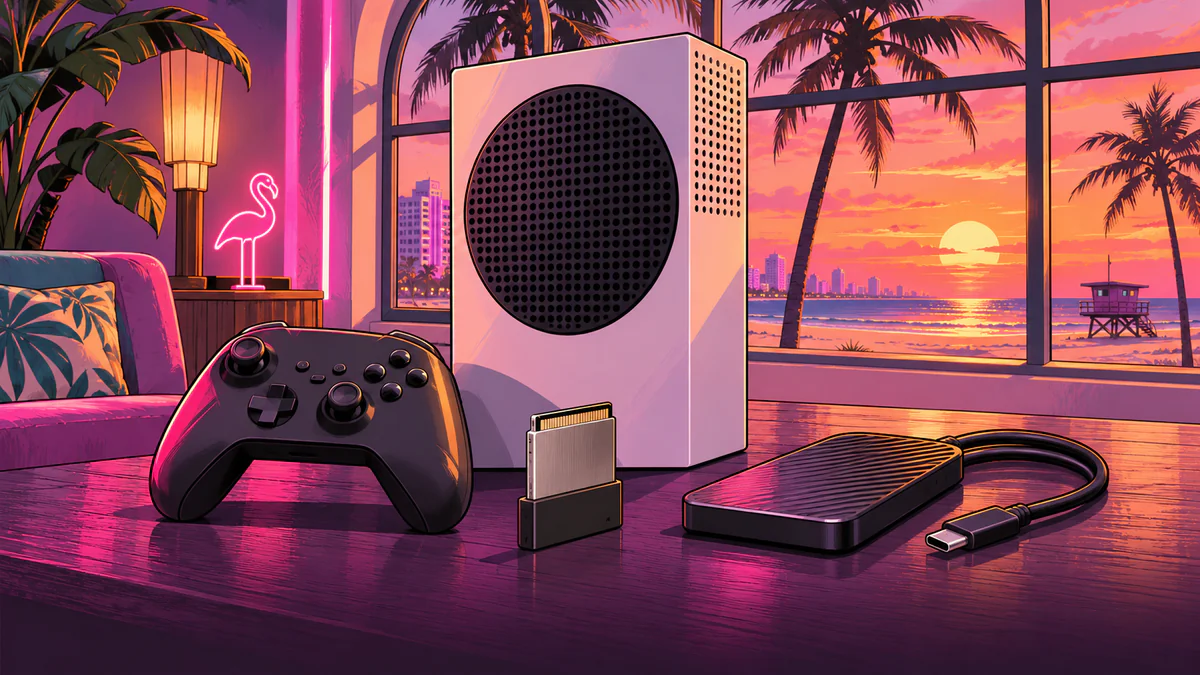
| Compatible Storage Expansion Card in the rear slot | Install and launch GTA VI if the card has enough space |
| External USB hard drive or USB SSD | Store GTA VI and move the files back before playing. Many Xbox One and backward-compatible games can run directly from USB. |
The Xbox Store labels GTA VI as optimized for Series X|S. The table follows Xbox’s storage rules for that generation. A GTA VI launch attempt from USB still needs to be checked on the release build. Even a fast SSD in a USB enclosure is treated as USB storage. Xbox’s storage compatibility guide
How to make room without redownloading other games
- 1
Connect a USB drive already set up for Xbox game storage. Go to My games & apps → See all → Manage → Storage devices.
- 2
Select the internal SSD → Transfer. Tick the games you aren’t playing.
- 3
Choose Move selected, then select the USB drive as the destination. Copy keeps the original files on the internal SSD. Once the transfer finishes, check how much space is free. You can move those installed files back later without redownloading them.
If you also have an Xbox One, see what you need to stream GTA 6 through Xbox Cloud Gaming.
Frequently asked questions
Is the standard 512 GB Xbox Series S big enough for GTA 6?
Yes. The stock internal drive can fit it if you have enough room. If you already have games installed, check your current free space against Rockstar’s 212 GB figure.
How much free space do I need before installing GTA 6?
Plan for up to 212 GB free on the internal SSD or a compatible expansion card. Rockstar’s figure covers supported devices. The queue shows the size of your current download.
Can GTA 6 run from an external USB SSD?
Use the internal SSD or a Storage Expansion Card for local play. A USB SSD can store the files until you move them back to a drive that can run the game.
How is an Xbox Storage Expansion Card different from a USB drive?
The card uses the dedicated expansion slot and can run Series X|S games. You can use ordinary USB storage to hold those games or move them between drives.
Can I move my other games instead of deleting them?
Yes. In Storage devices, move games from the internal drive to USB. Start with large games you don’t plan to play right away.