Quick answer
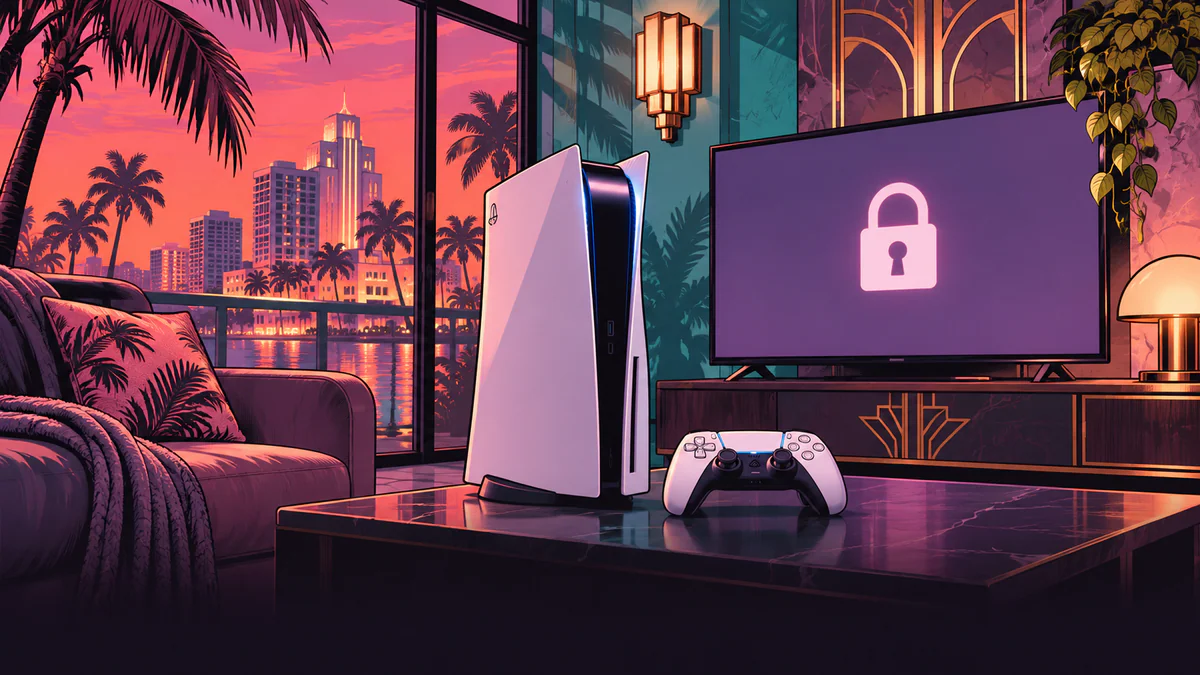
If GTA 6 is installed on your PS5, check where the launch stops. A padlock usually points to an access check. If you see the splash screen before the game closes, start with updates. If the PS5 itself loses power and you have to turn it back on, go to Sony’s power troubleshooting.
- 1
Check that the game has unlocked in your account region and that Downloads/Uploads shows no pending installation.
- 2
For a padlock, sign in to the account that bought the game or redeemed the code. Check PSN status, then console sharing and the license.
- 3
Check for GTA VI and PS5 system updates. Restart the console and try again.
Padlocks and licenses
- 1
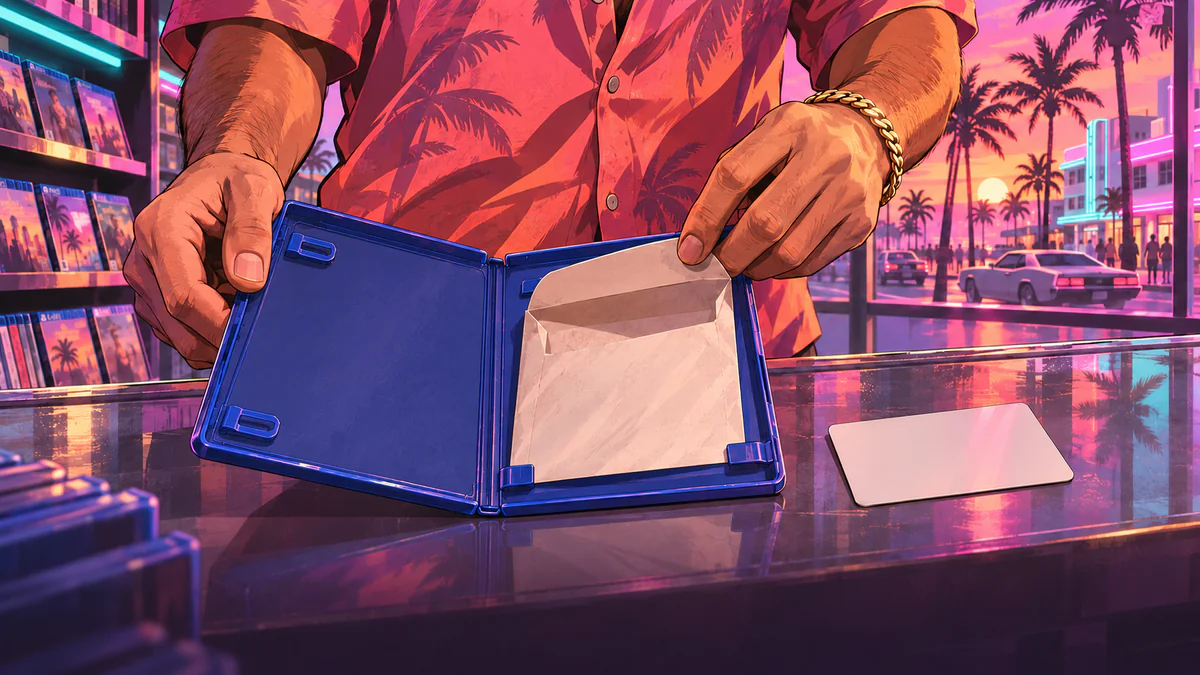
Sign in to the account that purchased GTA VI or redeemed the code from the box. Check its transaction history. If the problem started at redemption, see our GTA VI box-code guide.
- 2
If you play from another profile on this PS5, take this step from the owner’s account. Open Settings → Users and Accounts → Other → Console Sharing and Offline Play → Enable. Sony allows one PS5 per account to have this setting enabled at a time.
- 3
On the owner’s account, go to Settings → Users and Accounts → Other → Restore Licenses and select GTA VI. You can also highlight the game on the home screen or in Game Library, press Options, and choose Restore License if the option is available. Sony says restoring licenses leaves your data intact.
- 4
Test the launch from the owner’s profile first. If the owner can open it and the second profile still sees a padlock, revisit console sharing and family controls for that profile.
Check for a PSN disruption
Snapshot at 22:21 UTC on November 18, 2026 (01:21 Moscow time on November 19). Sony’s data showed no active country or service flags for the US or UK. For Russia it showed account management and PlayStation Store issues plus limited Gaming and Social service. Those flags had different start dates. Check current status for your account country before trying again. If Sony flags sign-in or game-access issues, wait for recovery and retry the license check.
The application will not start
On November 18, PlayStation Support said GTA VI requires a PS5 system software update before it can launch. Install it first if your console offers the update.
- 1
Press the PS button and open Downloads/Uploads in the control center. Let the installation and update finish. For a failed download, pause and resume it. If it still fails, remove it from the download queue and start the download again from your Game Library.
- 2
Highlight GTA VI on the home screen and choose Options → Check for Update. Then go to Settings → System → System Software → System Software Update and Settings → Update System Software. Install available updates.
- 3
Press the PS button → Power → Restart PS5. If CE-107891-6 returns, Sony recommends deleting the affected application and downloading it again. Delete the game installation and keep its save data. If the launch still fails, Sony’s general guide includes the Safe Mode Clear Cache and Rebuild Database option. Read Sony’s option descriptions and back up important data first. Reset options erase data.
GTA VI crashes after opening
If GTA VI reaches its menu or you can start playing, note where it sends you back to the home screen. Check for game and console updates, then restart the PS5. If the same mission or save triggers another crash, record the mission name, error code, and steps to reproduce it. If you can get to the menu, you can compare with another manual slot after securing your current progress. Loading an older slot can replace the autosave. GTA VI save guide
The PS5 powers off
If the whole console shuts down, select “PS5 console turns off while playing” in Sony’s power troubleshooter. If it keeps happening, tell support whether it has happened with other games as well. The launch megathread includes individual reports of complete shutdowns during GTA VI launch. Those reports do not establish the cause on your console.
FAQ
Do I need to download GTA 6 again if there is a padlock?
First check the unlock time, the owner’s purchase or redemption, PSN status, console sharing, and the license. Reinstallation fits an installation fault such as CE-107891-6.
Will restoring licenses delete my saves?
No. Sony says restoring licenses does not affect console data.
Why can the owner open the game while my profile cannot?
The owner needs to enable Console Sharing and Offline Play on this PS5. If it is enabled, check family controls for the second profile.
What should I do about CE-108255-1?
Check for an update to GTA VI. If the error recurs, record the code and where the crash happens. If the whole console loses power, use Sony’s power troubleshooter.
PSN is up but the game still will not open. What should I check?
Check the exact error, make sure the download finished, and check game and system updates. A padlock points you back to account and license checks. For a repeatable crash, collect details for support.