Quick answer
If a purchased gun disappears from your GTA 6 weapon wheel, check the loadout at the trunk of your owned car or an Ammu-Nation weapon locker. Select the gun there to equip it again. Jason and Lucia share the owned collection and have separate loadouts and modifications. Ordinary weapons picked up in the world are temporary.
Identify what kind of gun you have
| Handgun icon | Type | What you can do with it |
|---|
| Light blue | Owned weapon | Buy it at Ammu-Nation, customize it separately for each character, and recover it through an owned car or locker. |
| White | Ordinary unowned pickup | Use it now or store it temporarily in the trunk of an owned car. It does not join your permanent collection and cannot be customized. |
| Yellow or gold | Unique weapon | Pick it up once to unlock access for both characters. Find it at a weapon locker. Unique weapons cannot be customized. |
In Gear Up, approach Andrew at the gun shop. On PS5, hold L2 and press Triangle. On Xbox Series X|S, hold LT and press Y. Select an eligible longarm and follow the purchase prompt. The GAMES.GG walkthrough says completing Gear Up opens regular access to shops, lockers, and trunk loadout management. If you are still in the opening missions, check your progress on that job.
Recover a weapon from the trunk
- 1
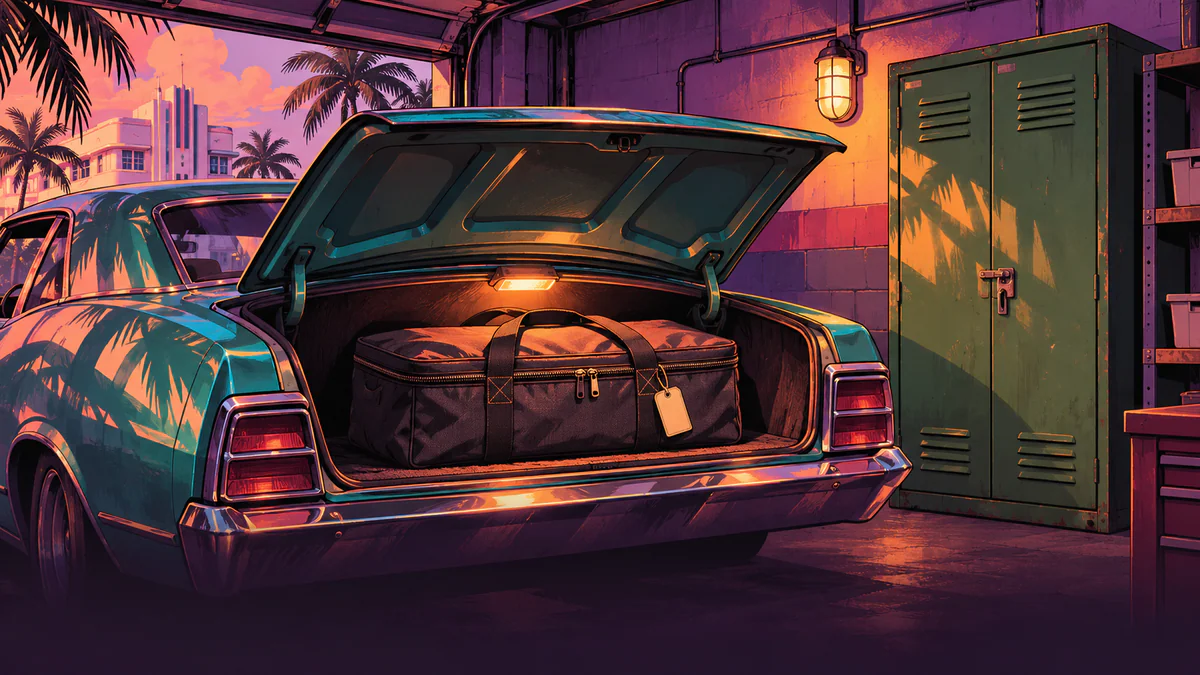
Find your owned car, marked by a light blue car icon. Get out and walk up to its trunk from behind.
- 2
Follow the on-screen prompt to Manage Loadout. Find the purchased gun and assign it to a compatible slot. To move individual items between the car and the character, use the Open Storage prompt.
- 3
Close the menu and check the weapon wheel. Hold L1 on PS5 or LB on Xbox. Tapping that button holsters or draws the current weapon. For the trunk and locker, use the interaction button shown on screen. The sources checked do not establish a fixed binding for those prompts on both consoles.
The wheel shows the gear your character has equipped. If the appropriate slots are occupied, replace one of the guns. Purchased ammunition, armor, and explosives can also go straight to the trunk, so check its storage.
Recover a weapon from a locker
Visit Ammu-Nation and approach the weapon locker. In Pick Up a Gun, it’s the green cabinet in the Port Gellhorn store. Follow the on-screen interaction prompt, choose a weapon you own, and equip it. The mission accepts a previously purchased gun retrieved from the locker. Use a locker when your car is out of reach or you want to change a weapon variant.
After death, arrest, a character swap, or a lost car
| Situation | What the sources establish and where to look |
|---|
| Your character died | Insider Gaming’s launch guide describes general recovery of lost owned weapons. Check the locker or owned car first. The exact carried loadout after death, including the fate of an unowned pickup, is less well established. |
| Your character was arrested | In pre-release gameplay reported by Vandal, guns picked up from enemies were lost after arrest, and owned guns stayed available. In the release game, check your locker or owned car first. The sources do not establish a rule for all temporary gear after arrest on both platforms. |
| You switched characters | Both characters can access purchased guns. The other character can have different equipped guns and modifications. Assign the gun to their loadout at a locker or trunk. |
| The car disappeared or was destroyed | Check an Ammu-Nation locker for an owned gun. Locker access is documented independently of trunk access. Recovery of ordinary pickups or other items from a destroyed trunk remains unverified. |
If the locker lists the gun, equip it and check the wheel. That’s the quickest way to tell whether it was simply out of your loadout. If a gun you definitely bought is missing from both the locker and owned-car loadout in free roam after Gear Up, try reopening the storage menu or restarting the game after saving. If it still happens, record the weapon name, character, platform, and what happened before it disappeared for support. How to protect progress with manual saves
The steps are based on published launch-build coverage and footage. The consoles were not tested in-house.
FAQ
Why is my purchased gun missing from the weapon wheel?
The wheel shows your character’s current loadout. Use an owned car’s trunk or a weapon locker to equip the purchased gun in a compatible slot.
Can I keep a gun I picked up from an enemy?
Use an ordinary pickup or store it temporarily in the trunk. That copy never joins your permanent collection. Unique finds follow a separate rule and have a gold icon.
Do I need to buy a second copy for Lucia?
No. A purchase unlocks the gun for both characters. Equip it and choose modifications separately for each character.
What if my personal car is gone?
Check an Ammu-Nation weapon locker for the owned gun. Guaranteed recovery of temporary guns from a missing trunk has not been established.
Where is the gun I dropped to lose Heat?
Equip a purchased gun again from a locker or owned-car trunk. An ordinary unowned pickup has no permanent locker copy. How the weapon clue works