Quick answer
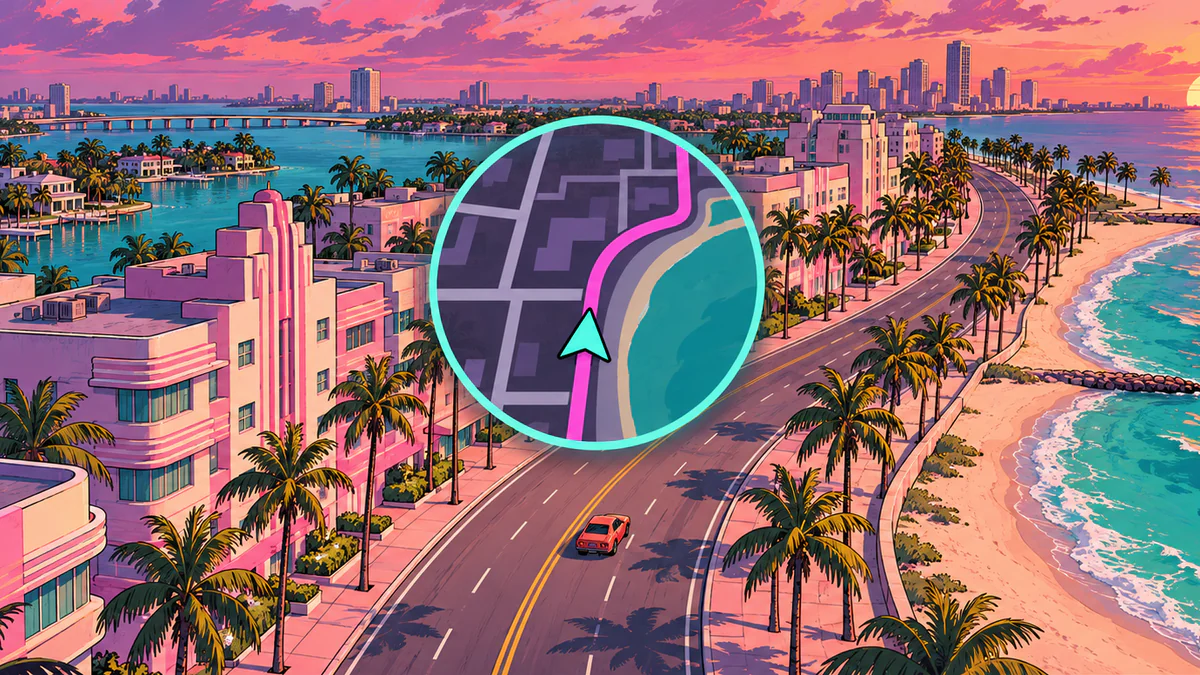
If the GTA 6 minimap keeps disappearing, it’s probably set to Dynamic. Tap D-pad Down to bring it back briefly. To keep it visible, open Settings → UI → Navigation → Minimap and set it to On. The compass and GPS line have their own settings in the same section.
Which Navigation Experience should you pick?
| First-launch preset | Minimap | Compass |
|---|
| Minimap (Dynamic) | Appears when relevant or when you press D-pad Down | Off. |
| Minimap & Compass (Dynamic) | Appears when relevant or on demand | Appears dynamically and shows directions to objectives, markers, and nearby points of interest. |
| Minimap Always On | Stays visible in normal gameplay | Off in the documented PS5 settings screen. You can turn it on separately. |
The dynamic minimap can disappear in quiet situations, such as when you’re at home. On keeps it visible during normal play. The game hides the HUD during cutscenes and some cinematic moments.
Change the minimap, compass, or GPS line
- 1
Open the pause menu with Options on PS5 or Menu on Xbox and choose Settings. Use L1 / R1 on PS5 or LB / RB on Xbox to reach the UI tab.
- 2
Scroll to Navigation. Minimap has On, Dynamic, and Off. Compass has a separate row with the same choices.
- 3
To get the route line back, set GPS Route → On, mark a destination, and check it while driving. GPS Turn Indicators controls the arrows separately. On shows them on all roads, Highways limits them to highways, and Off hides them.
- 4
To make the map bigger, choose Navigation → Minimap Size → Large. For larger minimap icons, go to UI → Scaling & Readability → Minimap Blip Size → Large. The nearby Map Blip Size setting controls icons on the full map.
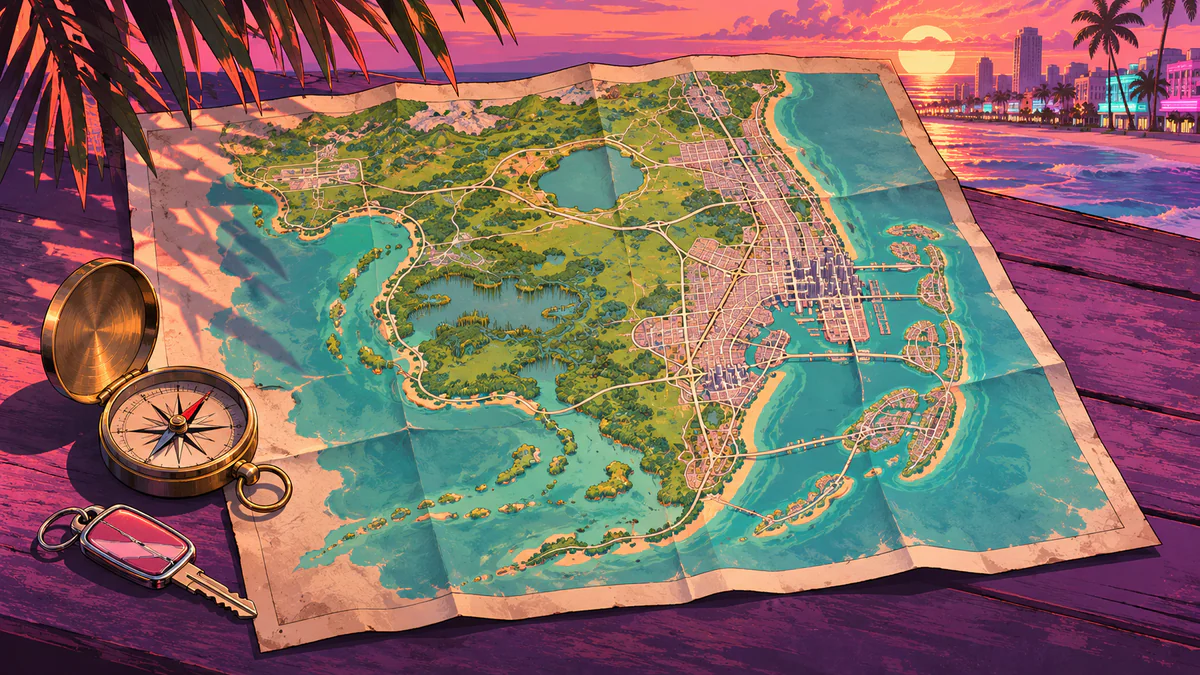
On PS5 and Xbox, a tap of D-pad Down shows the objective and dynamic minimap in the Default, Classic, and Left-Handed layouts. Holding it opens Quick Navigation. For the full map, press the touch pad on PS5 or View on Xbox. When you’re heading to a fence, for example, check their green icon on the full map, then set a waypoint and follow the GPS. If you’ve remapped buttons, check Settings → Control Scheme for Objective / Minimap. For an overview of the state, see the official printable Leonida map.
When the missing minimap may be a bug
If it disappears only in Dynamic mode, during a cutscene, or during a transition, check it again in free roam. Set Minimap → On, exit the menu, and look for it on foot and while driving. If the map appears but the line is missing, check GPS Route and your active destination separately. If the minimap is still missing in free roam with On selected, save when you can, restart the game, and try the same setting again.
FAQ
Can I change my first-launch choice?
Yes. Open Settings → UI → Navigation and adjust Minimap and Compass separately.
How do I keep the minimap on?
Set Minimap → On. It stays visible during normal play. The game can hide it during cutscenes.
Can I hide the compass and keep the minimap?
Yes. Set Compass → Off and keep Minimap on On or Dynamic.
Why is the minimap there but my route is missing?
Check GPS Route → On, set a destination, and get into a vehicle. If it’s the arrows at turns that are missing, check GPS Turn Indicators.